Latest Updates
Travel to Technology

How We Simplified Customer Access with Single Sign-On and Centralized Approvals
Managing access across multiple business applications can quickly become complicated.
Users want one simple way to sign in and reach the tools they need. Administrators, on the other hand, need to make sure access is controlled, approved, tracked, and easy to manage over time.
That becomes even more difficult when applications sit outside the main CRM, access varies by region, and identity management is handled through a separate platform.
This was the challenge we solved for ABC Client.
The goal was to create one connected access experience where users could see the applications available to them, request access, go through the right approval process, and sign in through SSO, while administrators could manage users, approvals, request history, and reporting from Salesforce.
The solution brought together Salesforce, Azure Active Directory, SSO, and application approval workflows into one centralized customer portal experience.
The challenge was bigger than SSO
At first glance, SSO seemed like the obvious answer.
Give users one login and let them access multiple applications.
But that only solved authentication.
ABC Client still needed to determine:
- Which applications were available in that user's region?
- Who needed to approve each request?
- How would applications outside Salesforce be included?
- How would approved users be provisioned through Azure Active Directory?
- How could administrators track requests without relying on spreadsheets and email chains?
- How could the business analyse access trends later?
A user being authenticated did not automatically mean they should have access to every application.
So we built the solution around two connected questions:
Who is this user?
And:
What should this user be allowed to access?
SSO handled the first. Salesforce-based approval and access management handled the second.
Bringing applications outside Salesforce into one experience
One of the most important requirements was that the applications themselves were not necessarily Salesforce applications.
Instead of forcing the business to manage each system separately, we brought those applications into the Salesforce-based customer portal experience.
The portal became the central place where users could see the applications relevant to them, request access, view existing access, and manage future requests.
For example, depending on their role and region, a user could see options such as:
HR Portal | Payroll Portal | LMS Portal | Recruitment Portal | Knowledge Base Portal
The application remained external, but the access journey was centralized.
That distinction was important.
Salesforce did not need to become the business application itself. It became the layer where ABC Client could manage the user, the request, the approval process, and the history behind that access.
Step 1: Request Access and See Region-Specific Applications
The user starts by requesting access. Based on the user's region, the portal shows only the applications available to them, such as the HR Portal, Payroll Portal, LMS Portal, Recruitment Portal, Knowledge Base Portal, or Employee Forum Portal.
The user selects the applications they need and submits the request.
This is directly inspired by the manual's Request New User → Submit Request → Select Applications flow.
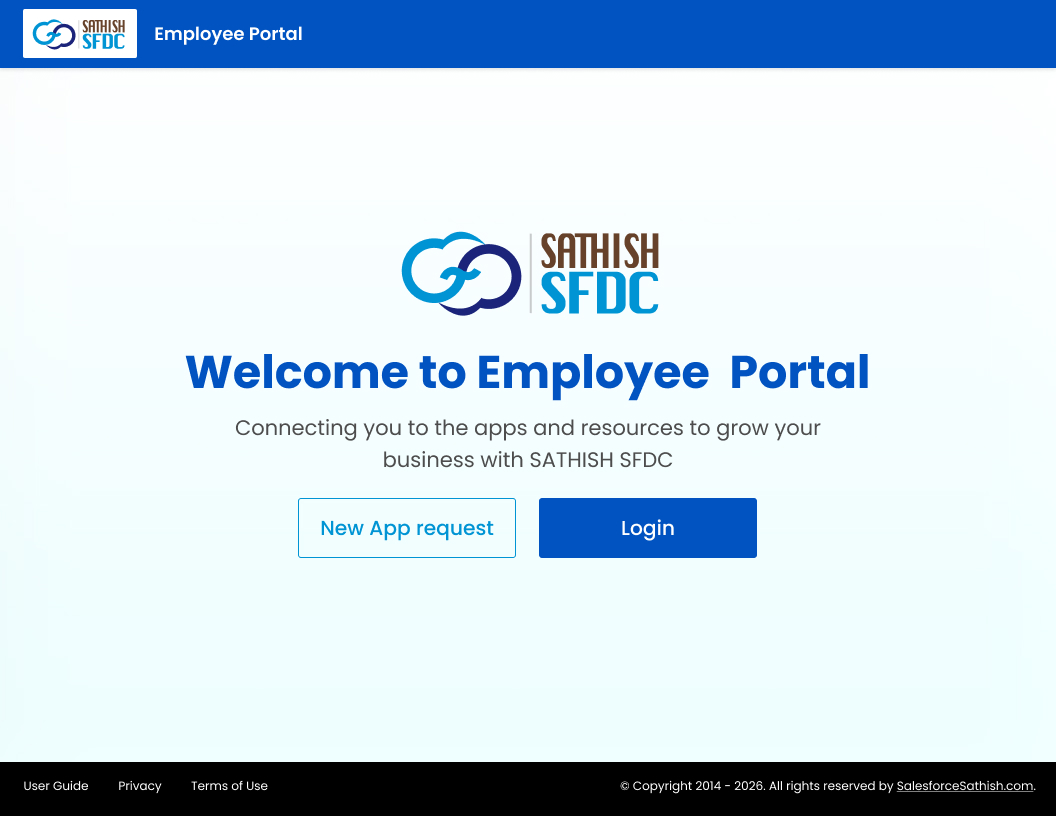
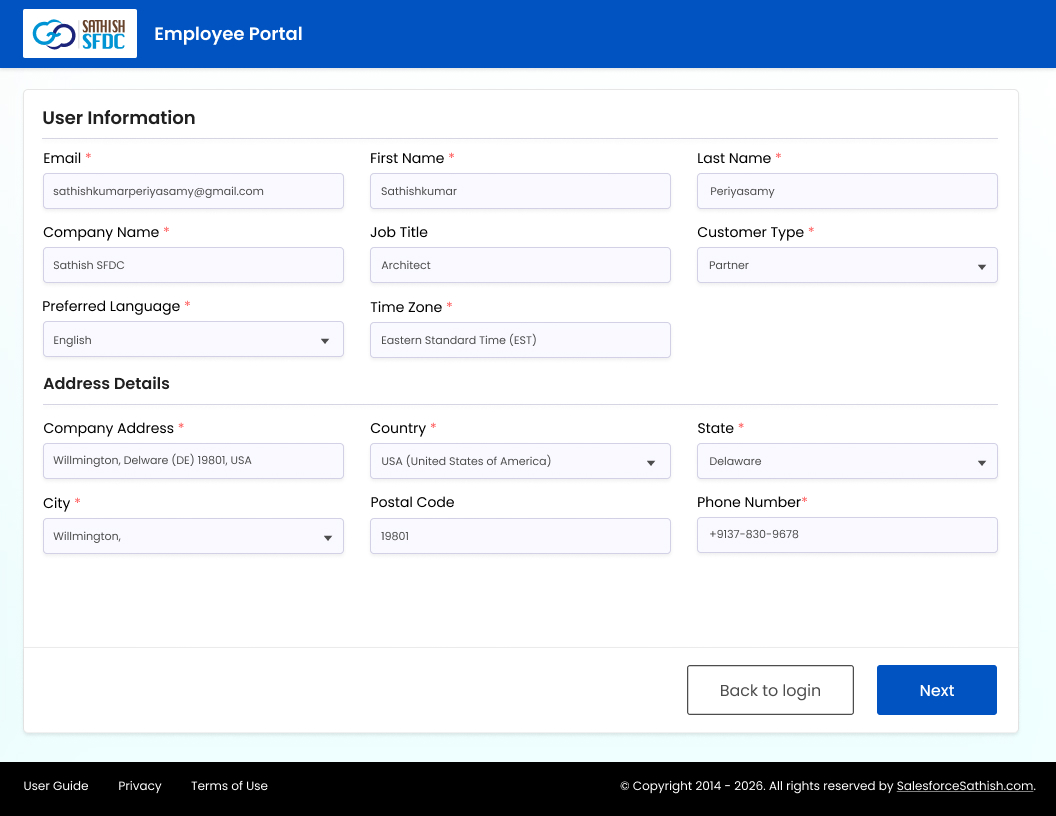
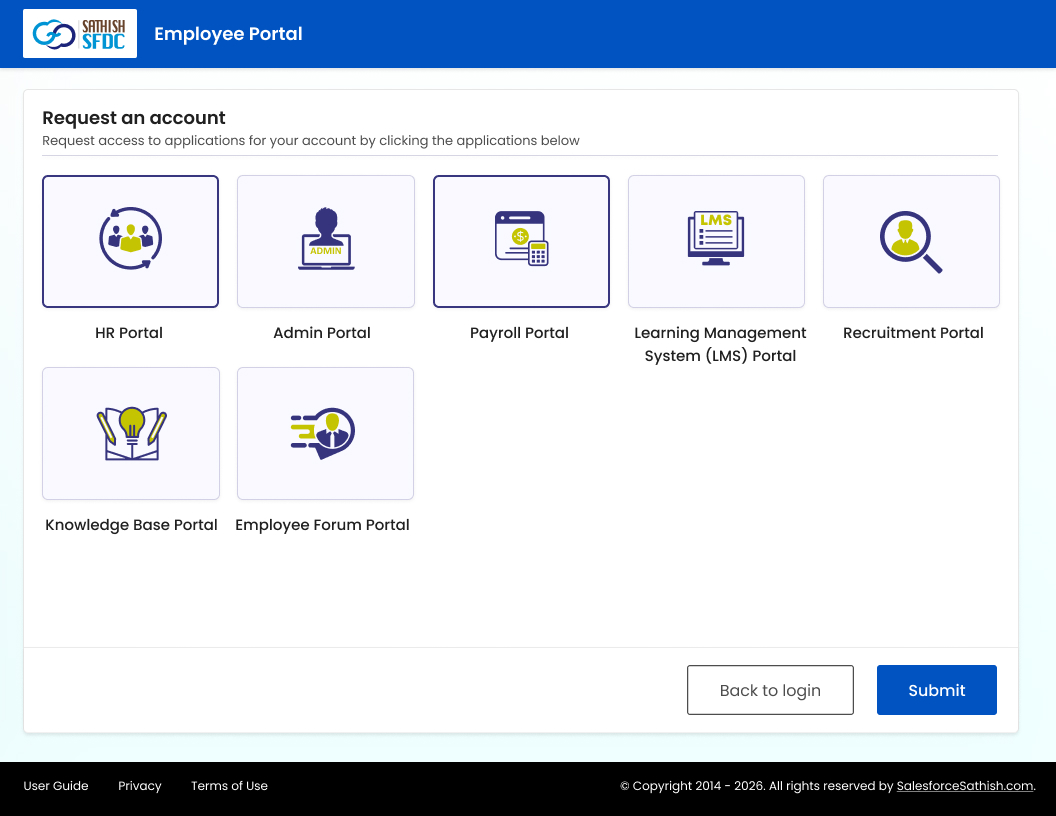
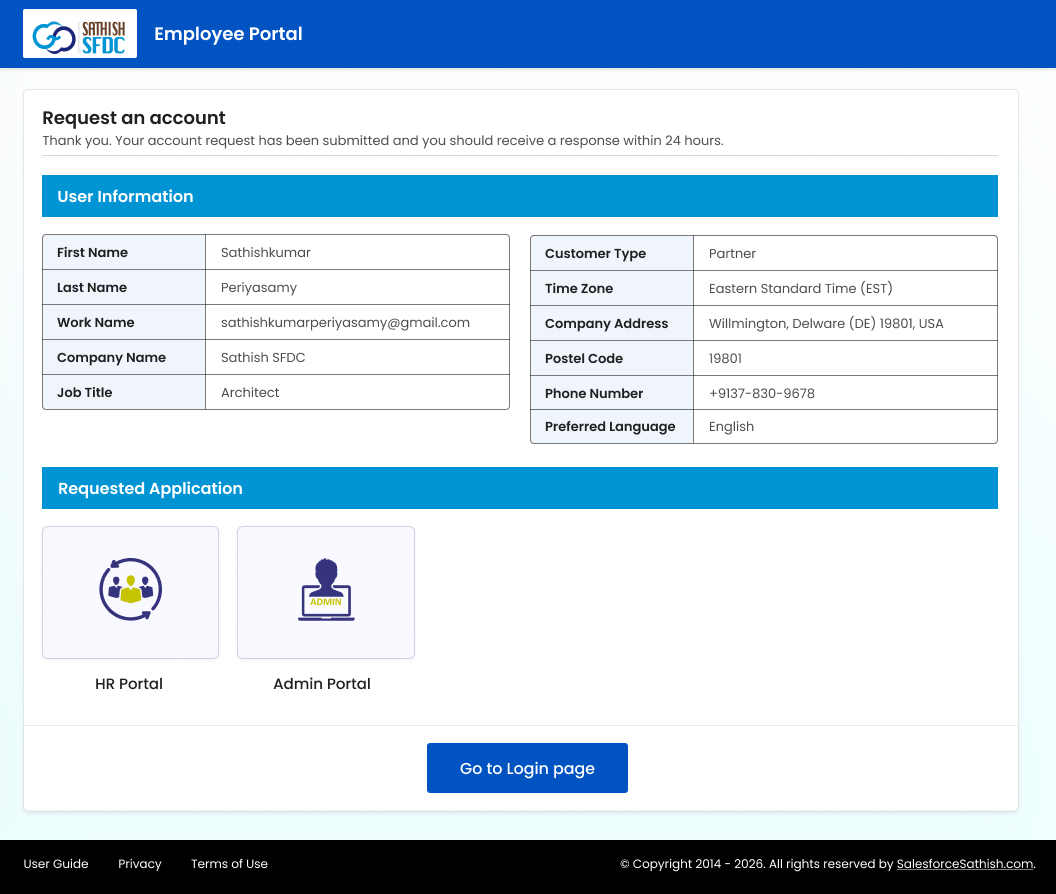
Account Request and Application Selection: Users can submit their information and request access to the applications available to them from one portal.
Step 2: Route the Request Through Salesforce for Approval
Once submitted, the request is maintained in Salesforce.
Instead of admins manually managing forms or email chains, Salesforce becomes the central system for:
- User records
- Application requests
- Approval status
- Request tracking
- Request history
This is where we enhance the original approval flow from the manual with the custom solution built for ABC Client.
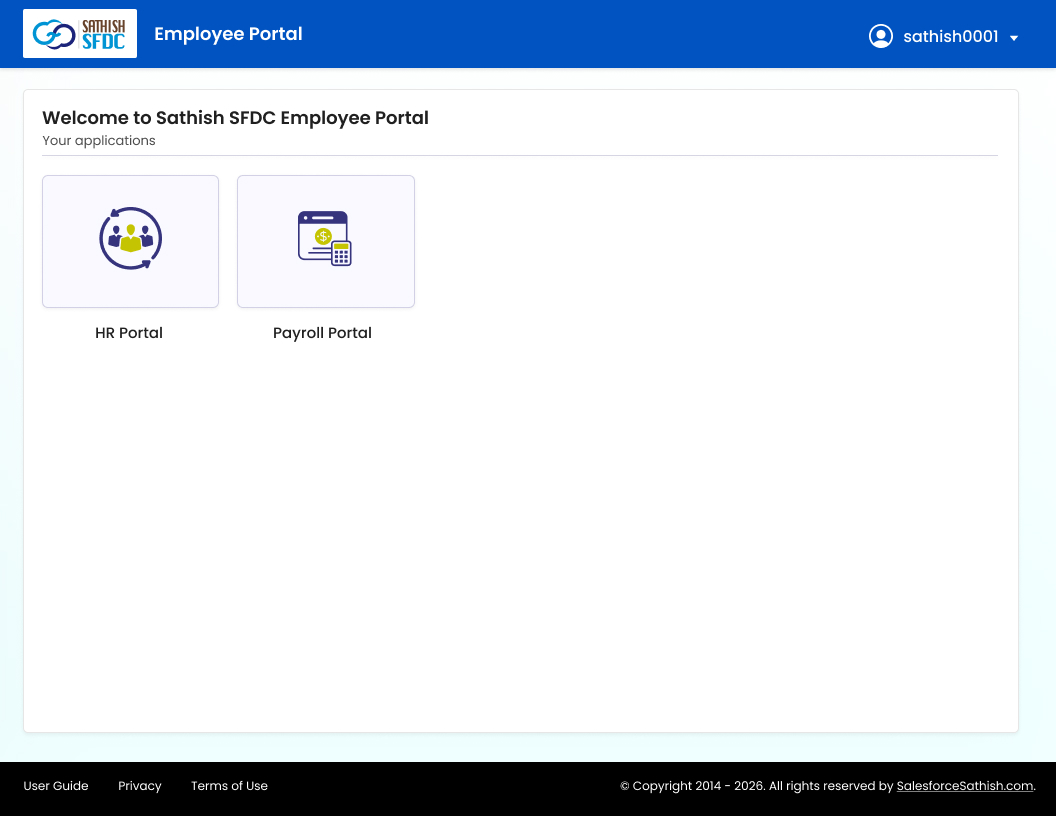
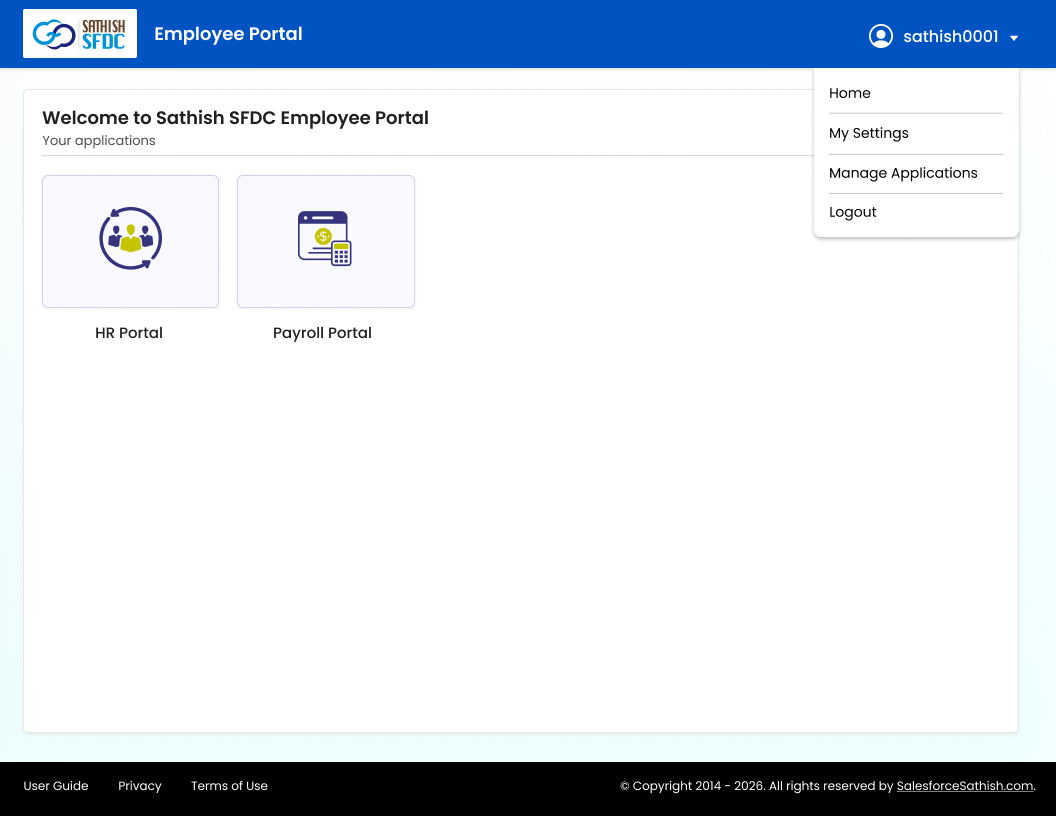
Centralized application access: Once access is approved, users can view their assigned applications and manage their account from a single portal.
Step 3: Connect Approval with Azure AD and SSO
After approval, the next step is identity setup.
The original user journey sends the approved user through Microsoft's account setup process before giving them portal access.
For ABC Client, we automated the bridge between Salesforce and Azure Active Directory so that the Salesforce approval process and identity setup could work together.
The user could then use SSO rather than maintaining separate credentials for every application.
Self-service profile management:
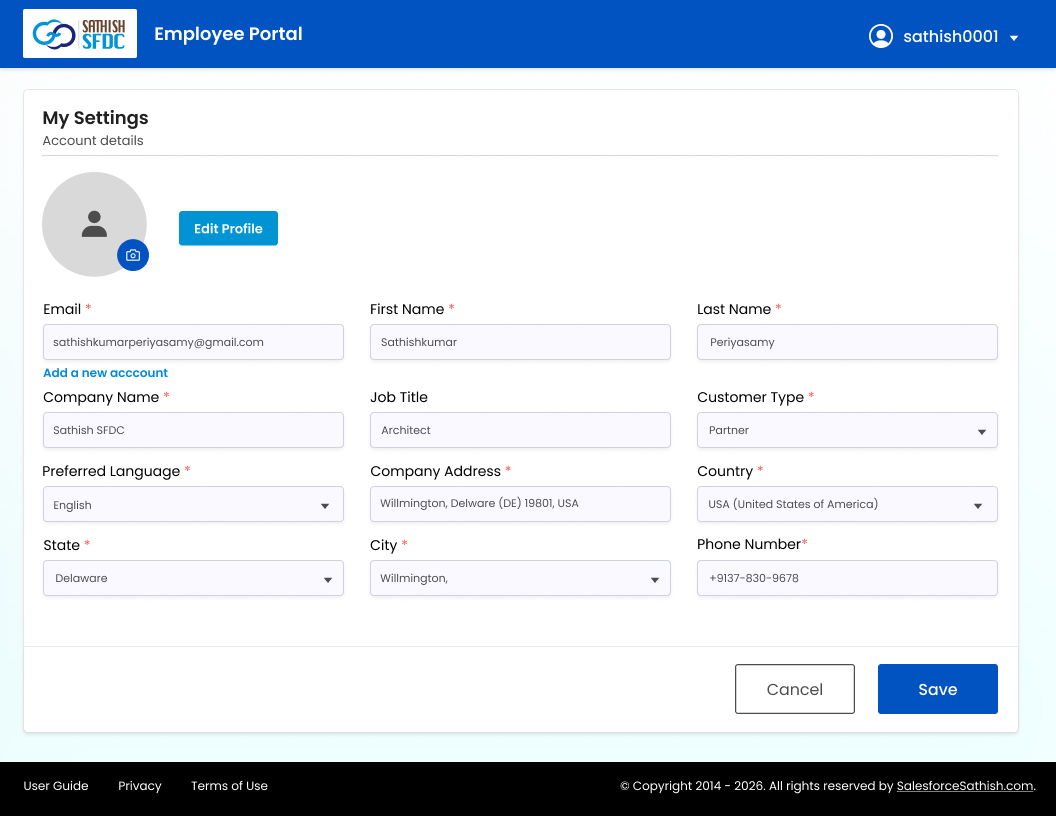
Users can view and update supported account information without relying on an administrator for every change.
Step 4: Access the Portal and Manage Your Profile
Once authenticated, the user enters the customer portal and sees the applications they are authorized to access.
They can also manage supported profile details from the portal instead of contacting an administrator for every change. The source workflow includes a dedicated profile area where users can edit and save their information.
Application access does not stop after initial onboarding. Users can return to the portal to view current access, request additional applications, track submitted requests, or review cancelled requests.
Assigned Applications
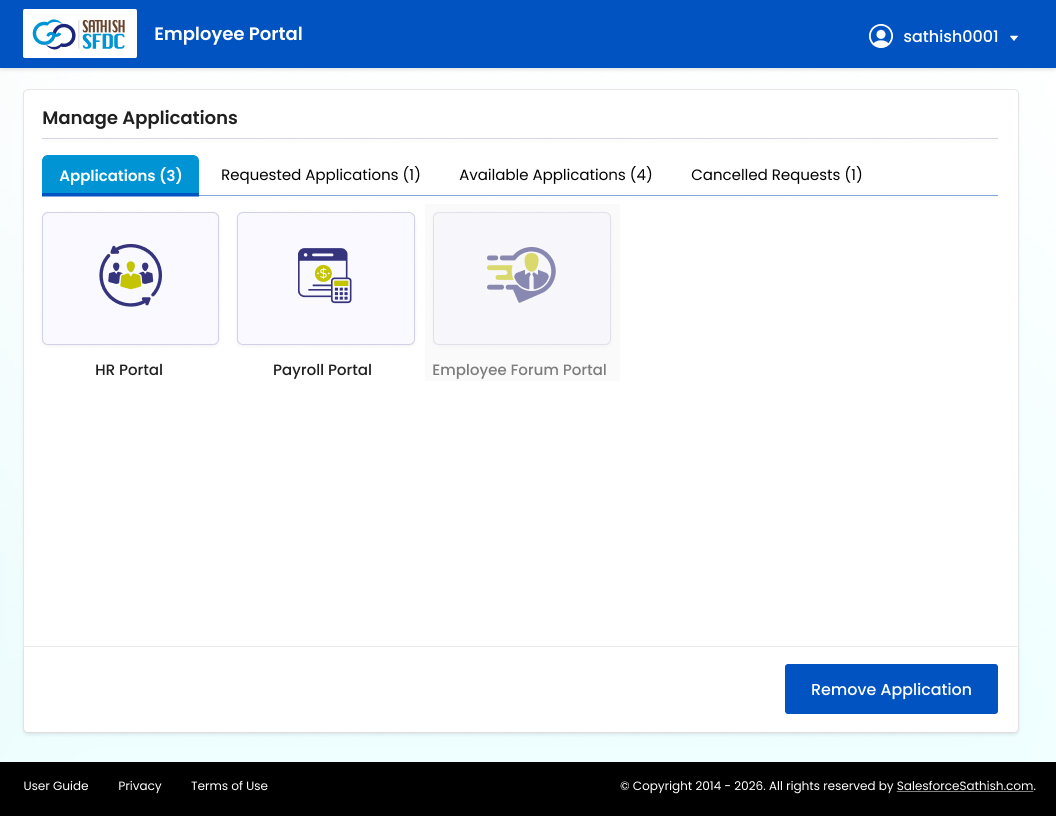
See the applications the user can currently access and remove access when needed.
Requested Applications
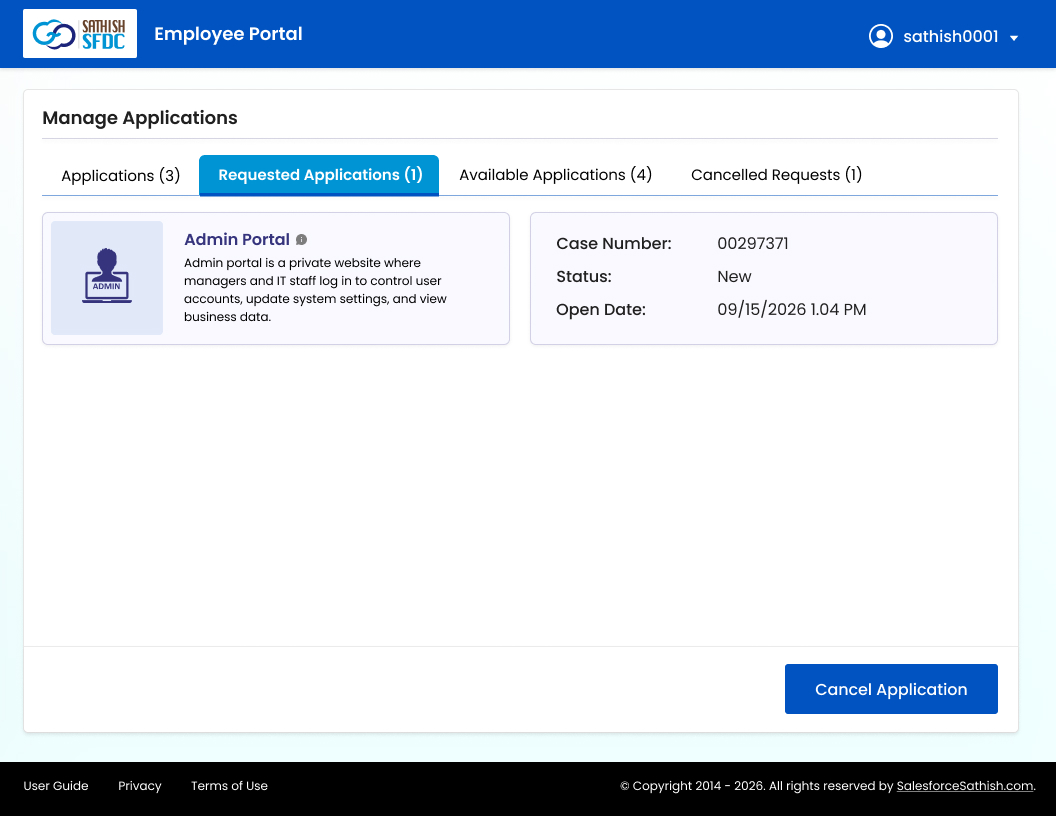
Track submitted application requests and their current status.
Available Applications
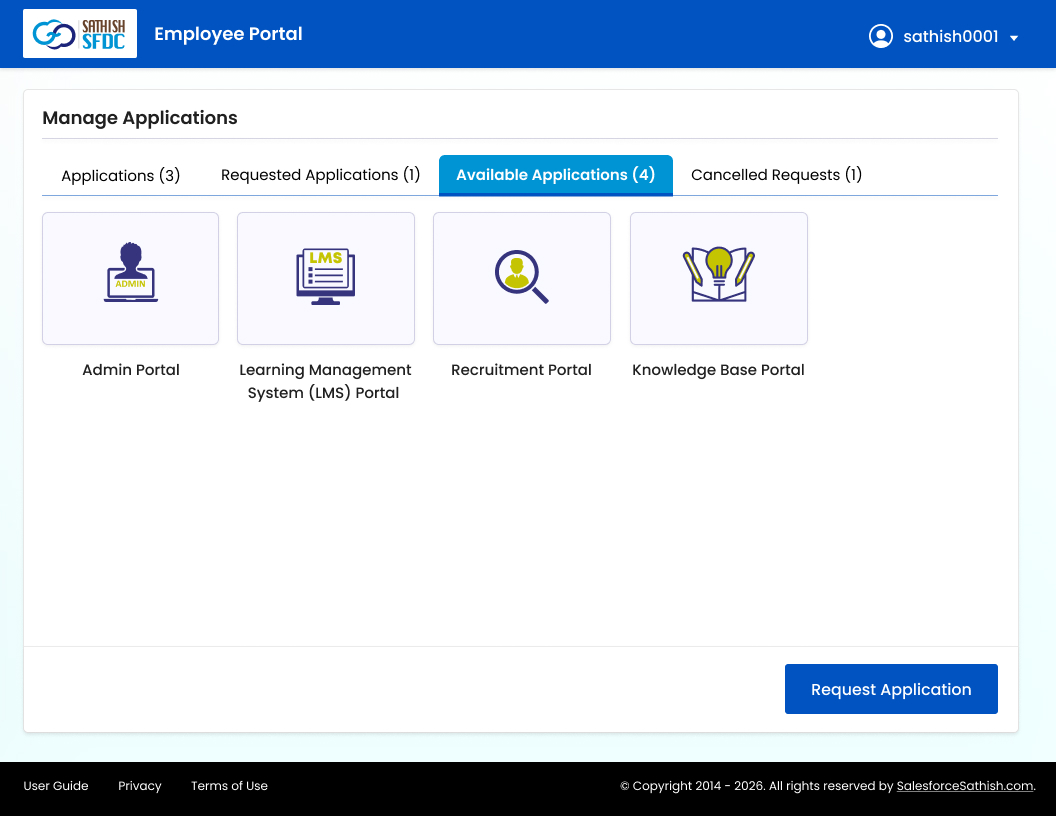
View and request additional applications available to the user.
Cancelled Requests
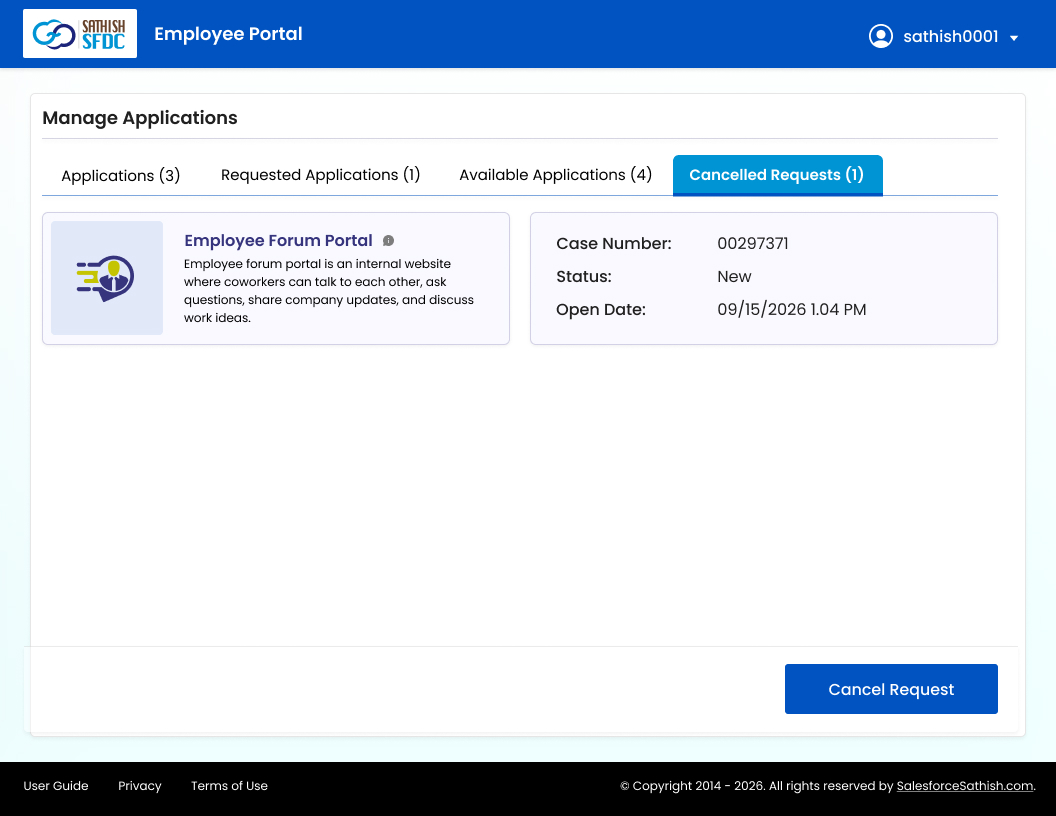
Maintain visibility into requests that were cancelled.
Step 5: Request, View, or Remove Application Access
The user's journey does not end after onboarding.
From the Manage Applications area, users can:
- View applications they already have
- See applications available to them
- Request another application
- Review pending requests
- Cancel a pending request
- Remove existing application access
That flow comes directly from the user manual.
The portal screens also clearly separate assigned applications, requested applications, available applications, and cancelled requests.
Step 6: Track Requests and Use the Data for Reporting
Salesforce maintains the complete history of application requests, including what was requested, approved, pending, or cancelled.
ABC Client can track this activity through an application tracker and Salesforce dashboards, giving teams a clear view of:
- Request volume and status
- Approval activity
- Application demand
- Regional request patterns
- Current, pending, and cancelled access
- Historical user access activity
These reports and dashboards give the team the data needed for ongoing analysis and better access-management decisions.
What changed for ABC Client
The biggest improvement was not one individual feature.
It was connecting several processes that previously could have been managed separately.
Before, application access could involve external applications, separate identity management, approvals, emails, manual forms, and independent tracking.
With the new model, the experience became:
User identified → Region-based applications displayed → Access requested → Approval managed in Salesforce → Identity connected through Azure AD → SSO access enabled → Request history tracked → Data available for reporting
For users, that meant a simpler route to the applications they needed.
For administrators, it meant fewer disconnected processes and a central record of user and application activity.
For the business, it meant access data could finally be used for reporting and analysis rather than simply processing individual requests.
Our Recent Blogs
-
27 Jan, 2021
Salesforce Architect Domain Exam
-
23 Nov, 2016
Salesforce Certified Technical Architect New Path
-
28 Mar, 2018
Salesforce Release Exam in Trailhead Certification
-
29 Dec, 2021
Salesforce Certifications