Latest Updates
Travel to Technology

How to monitor API Usage?
Monitor API Usage Data Using Salesforce API Usage
There are 3 way you can analysis the API Usage
- Last 24 hours usage
- Notification for API Usage
- API Usage Report
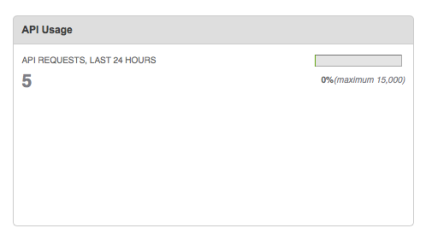
Last 24 hours usage:
Goto setup -> search “System Overview†in the QuickFind text box –> Click “System Overviewâ€

Notification for API Usage:
Goto setup -> search “API Usage Notification†in the QuickFind text box –> Click “API Usage Notification†-> Click “New†button and create your notification setup.


API Usage Report:
Copy and append “/00O?rt=104†URL with your domain URL then you will see the “API Calls Made Within Last 7 Days†report.
Foe Example, https://n30.salesforce.com/00O?rt=104

Our Recent Blogs
-
27 Jan, 2021
Salesforce Architect Domain Exam
-
23 Nov, 2016
Salesforce Certified Technical Architect New Path
-
28 Mar, 2018
Salesforce Release Exam in Trailhead Certification
-
29 Dec, 2021
Salesforce Certifications